

The Ultimate Guide to Budget Streaming Setups for Gamers
 186
186
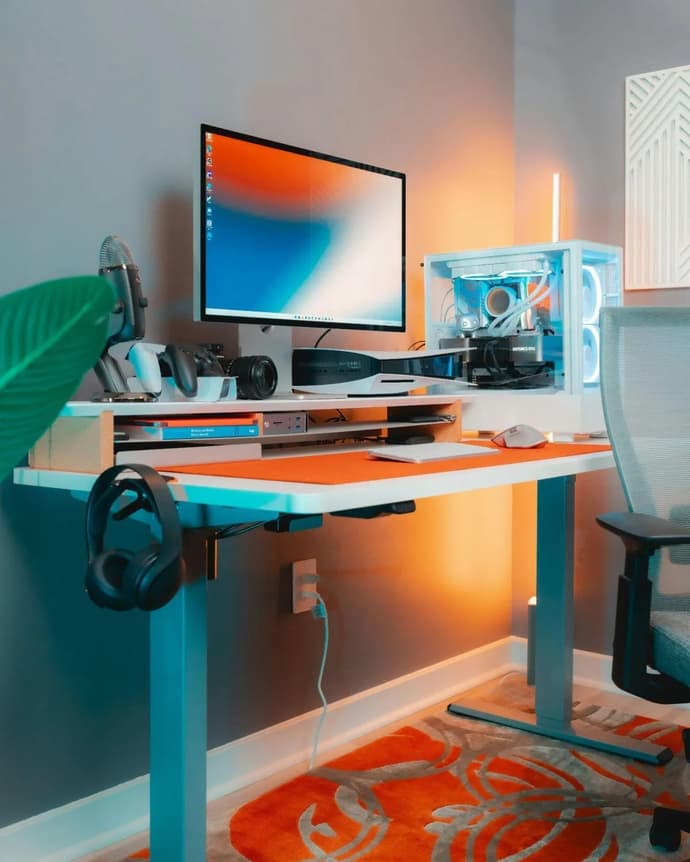
The gaming phenomenon has boomed in recent years, and we are witnessing quite a remarkable transformation. With many contributing factors to its explosion in popularity, streaming has emerged as a dominant force within the industry. What was once a niche hobby has now skyrocketed into a mainstream sensation, captivating millions of viewers around the globe. The figures are astronomical. In 2012, Twitch saw an average of 300,000 monthly broadcasters. Fast forward 12 years, and this statistic now stands at 7,350,000! These jaw-dropping numbers highlight the growing popularity of watching others play video games, whether it’s for entertainment, learning new strategies, or simply enjoying the camaraderie of shared experiences.
The Rise of Gaming Streams
Watching others' game has become a cultural staple, with platforms like Twitch and YouTube Gaming leading the charge. So why has it become so popular? Viewers have become obsessed with watching their favourite content producers’ hilarious commentary on FIFA or winning big on platforms like social casino USA, or even the gripping gameplay on Call of Duty. There is also an appreciation from viewers as they can connect with their favourite streamers and like-minded fans whilst broadcasting. Now, what's in it for the streamers? Its exposure. Bigger exposure generates increased revenue, whether it be through collaborations, sponsorships or viewer subscriptions/engagements. The boom can also be attributed to the surge in interest around eSports. Gaming is no longer casual for many; it's a grind to win. With some so passionate about making it to official tournaments because of the allure of winning big prize pots and being the best in the category.
As the streaming landscape continues to evolve, so does the technology that enables it. However, setting up a budget-friendly streaming rig can seem daunting, especially for those just starting out. Fortunately, there are plenty of options available that won’t break the bank. Let’s explore some of the best budget streaming setups for gaming…
Essential Equipment for Budget Streaming
1. A Reliable PC or Console
The first step in creating a budget streaming setup is ensuring you have a reliable gaming PC or console. If you’re a PC gamer, you don’t need the latest high-end rig to get started. A mid-range PC with at least an Intel i5 or Ryzen 5 processor, 8GB of RAM, and a decent graphics card can handle most streaming tasks. For console gamers, both the PlayStation and Xbox platforms offer built-in streaming capabilities, making it easy to go live without additional hardware.
2. Capture Card
For those looking to stream console gameplay, a capture card is essential. These devices allow you to capture your gameplay footage and send it to your streaming software. The Elgato HD60 S is a popular choice among streamers for its affordability and ease of use. It allows you to capture 1080p gameplay at 60 frames per second, ensuring your streams look crisp and professional. This is particularly important when playing fast-paced games where every frame counts.
3. Microphone
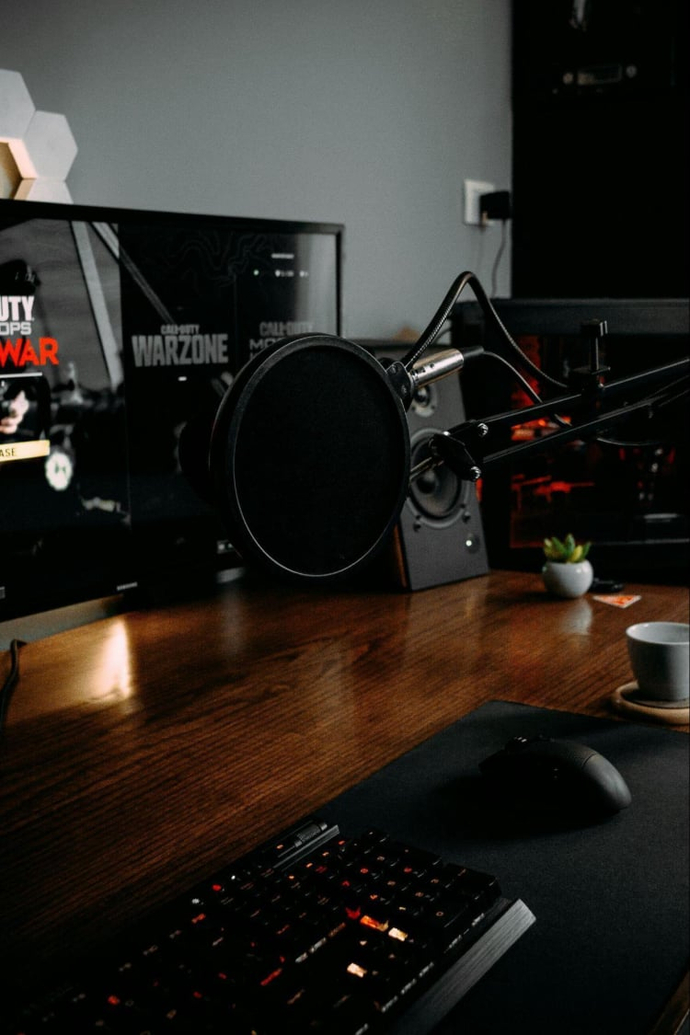
Good audio quality can make or break a streaming experience. Viewers are more likely to stick around if they can hear you clearly. A USB microphone, such as the Blue Yeti or the Fifine K669B, offers excellent sound quality without requiring a significant investment. These microphones are easy to set up and provide a professional touch to your streams. Plus, they’ll help you engage with your audience, whether you’re commenting on gameplay or chatting about the latest news in the gaming world.
4. Webcam
While not strictly necessary, a webcam can significantly enhance your streaming setup. It allows viewers to connect with you on a more personal level. The Logitech C920 is a fantastic budget option that delivers 1080p video quality and is widely regarded as one of the best webcams for streaming. Positioning your webcam strategically can help create an engaging viewing experience, whether you’re reacting to game moments or interacting with your chat.
5. Streaming Software
Choosing the right streaming software is crucial for a successful streaming experience. OBS Studio (Open Broadcaster Software) is a free, open-source option that is widely used by streamers. It offers a plethora of features, including scene transitions and overlays, making it highly customisable. Alternatively, Streamlabs OBS is another user-friendly option that integrates donations and alerts seamlessly, perfect for those looking to grow their channel.
6. Lighting
Good lighting can make a significant difference in the quality of your stream. Natural light is great if you can position your setup near a window, but investing in a softbox or ring light can provide consistent illumination. This ensures that you’re well-lit on camera, making your streams more visually appealing and professional.
The Importance of Community Engagement
As you set up your streaming rig, remember that building a community is just as important as the technical aspects. Engaging with your viewers can be done through chat interactions, social media, or even hosting events. Many successful streamers have built their audiences by being approachable and relatable, showing that they genuinely care about their fans. This connection can be further enhanced by sharing personal stories, discussing gaming news, or even inviting viewers to join you in multiplayer games.
In conclusion, the world of gaming and streaming is more accessible than ever, allowing anyone with a passion for gaming to share their experiences with a global audience. However, it's important to note that gaming should be fun as well as safe. Ensure you take safe and precautionary measures to reduce the impact of too much gaming/screen exposure.
By investing in a budget-friendly setup, you can create an engaging streaming experience for your fans that could generate your passion into a passive income. It's all about building connections with your viewers and having fun!

Kateryna Prykhodko est une auteure créative et une contributrice fiable à EGamersWorld, connue pour son contenu engageant et son attention aux détails. Elle combine la narration avec une communication claire et réfléchie, jouant un rôle important à la fois dans le travail éditorial de la plateforme et dans les interactions en coulisses.

 Toutes les armes uniques du désert cramoisi : Statistiques, emplacements et notes de constructionCrimson Desert est lancé avec un ensemble complet d'armes uniques cachées à travers Pywel - voici où trouver chacune d'entre elles.
 vitaliiD
 Codes Roblox pour construire un zoo avril 2026Découvrez tous les codes Roblox Build a Zoo en vigueur - échangez-les contre des pierres précieuses, des billets chanceux et des récompenses gratuites.
 Dima Ostapchuk
 Crimson Desert Best Shields - Ranked List and How to Get S-Tier Gear (en anglais)Un guide complet des meilleurs boucliers de Crimson Desert. Comparez les statistiques de base, découvrez les bonus uniques et trouvez les meilleurs équipements défensifs pour votre personnage.
 Chillplay
 Comment obtenir le Grand bouclier de Rhonide dans le Désert cramoisi ?Vous cherchez le Grand bouclier de Rhonide ? Suivez notre guide du Désert cramoisi pour vous faufiler dans le Manoir Lioncrest et vous emparer de ce bouclier unique qui vous offrira une défense et une mobilité élevées.Chillplay